Selected work
Product Design Case Study · 0→1 SaaS · Physical + Digital

HPS Golf

Designing a golf-course platform where the physical environment becomes part of the interface.

HPS Golf is a 0→1 product ecosystem connecting course operations, golfer experiences, QR-enabled physical touchpoints, sponsorship, analytics, and real-world course materials. I owned the product direction and experience across the system — from software architecture and user workflows to the physical surfaces golfers encounter on the course.

Role

Product Systems Lead · Founder

Client

Happy Path Studios

Contribution

  • Product Strategy
  • 0→1 Product Design
  • UX Architecture
  • Information Architecture
  • Interaction Design
  • Responsive UX
  • Course Admin UX
  • Golfer UX
  • QR Experience
  • Analytics UX
  • Physical/Digital Experience
  • Fabrication Direction
  • Accessibility
  • AI-Assisted Development
  • Implementation Direction
  • Validation
  • Iteration

The HPS Golf homepage: the club dashboard, sponsor QR scan activity, and a golfer’s handicap card, in one connected system.

01 — The Opportunity

A golf course is already an experience system.

A golf course contains places, transitions, decisions, information, staff, golfers, sponsors, physical surfaces, and repeated interactions. Yet many digital golf products treat the course as something represented inside software — a booking calendar, a scorecard, a map on a screen.

HPS Golf began from a different question: could the course itself become part of the digital product, rather than something the product merely describes?

What if the course itself could become part of the digital product?

02 — One Product, Multiple Experiences

The same platform had to make sense to very different users.

These are not simply permission levels. They represent different contexts, responsibilities, and information needs — a platform owner overseeing many clubs has almost nothing in common with a golfer standing on a tee.

  1. Super Admin

    Platform-level visibility across clubs, courses, users, and operational health — the layer that made a multi-tenant platform possible rather than a one-off course build.

  2. Course Admin

    Configuration and management for a single club: courses, holes, sponsors, staff, and the analytics that show how the course is actually performing.

  3. Staff

    Operational roles scoped to a specific job on the course, starting with the Starter role that keeps tee-time flow and pace visible before problems spread.

  4. Golfer

    A mobile-first experience connecting rounds, scores, handicap, and course discovery to the physical course they are standing on.

One system. Multiple mental models.

03 — The Physical/Digital Loop

The interface did not stop at the screen.

A fabricated plaque or sign is not merely collateral. It can become a product surface. The physical design affects discoverability, placement, durability, and usability. The digital interaction affects usefulness, content, sponsor value, and analytics. This loop is one of the strongest differentiators of the project.

  1. Physical Course

    A tee, a hole, a clubhouse wall — a real surface a golfer already walks past.

  2. QR Surface

    A fabricated plaque or sign carrying a scannable entry point into the platform.

  3. Mobile Interaction

    The golfer’s phone becomes the interface, on location, in context.

  4. Product Experience

    Hole detail, sponsor content, or course information relevant to that exact spot.

  5. Analytics

    The scan becomes a data point: location, time, and engagement that did not exist before.

  6. Course Decision

    Operators use that signal to inform sponsor placement, content, and the next physical surface.

04 — The Course as an Interface

Location changes what information matters.

Hole & Course Context

A golfer standing at a hole does not need the entire administrative system.

They need par, yardage, and course information relevant to that exact spot — the moment, not the whole platform.

Golfer Context

Rounds, scores, and handicap belong to the golfer, not just the club.

The golfer-facing experience follows the person across courses, connecting their own history to whichever course they are standing on today.

Context is part of the interface.

05 — From Physical Object to Digital Entry Point

A QR code is only useful if the experience around it is designed.

What the Physical Object Has to Get Right

  • Placement
  • Surface
  • Visual Hierarchy
  • Call to Action
  • Scan Distance
  • Environmental Conditions
  • Mobile Destination
  • Context After Scan
  • Analytics After Interaction

On site at The Plantation at Leesburg: measuring an existing hole-marker monument to fabricate a QR-enabled sponsor plaque insert that would actually fit it.

Concept visualization exploring the sponsor-plaque design direction, not a photograph of an installed plaque.

The physical object is the first screen.

06 — Course Administration

Behind every simple golfer interaction is an operational system.

The golfer-facing experience needed to feel simple. The administrative experience had to expose enough control — courses, holes, sponsors, staff — to make that simplicity possible.

Staff-Specific Operational Views

Starter Control: tee-time flow and player movement, scoped to the Starter role.

Pace & Flow: course movement and bottlenecks, visible before they compound.

07 — Sponsorship as a Product System

The product problem was never “where can we put an ad.” It was how sponsorship could create measurable value without degrading the course experience — balancing course revenue, sponsor visibility, and golfer usefulness against each other.

Active sponsors, total scans, and sponsor clicks are tracked directly in the course admin view, connecting a physical hole assignment to a measurable digital signal.

Physical surface · Hole marker

HPS Golf

Hole 7 · Par 4 · 312 yds

Spring Invitational

Presented by Acme Corp

Scan to learn more

qr.hpsgolf.io/h7-sp24

Digital engagement layer

Scans

12

Outbound

3

Route

Active

Physical surface config flows from sponsor record → QR routing → analytics

Illustrative Example

A sponsor surface, from physical plaque to digital engagement layer

A QR code on a sponsor plaque is not just a link. It is a tracked engagement surface with routing logic and analytics collection.

QR RoutingSponsor EngagementAnalytics

Illustrative example — scan and outbound counts shown here are representative, not reported figures from a specific event.

08 — Analytics

The physical course could finally generate digital signals.

Active clubs, active courses, active golfers, platform revenue, total tenants, and weekly platform intelligence, in one operator view.

A physical interaction that previously disappeared can now become observable. That helps a course understand what golfers interact with, where engagement happens, which surfaces perform, and how sponsors are engaging — without additional monitoring hardware.

Spring Invitational 2024

In progress

Player flow

On course

18 / 24

Hole range

6–14

Pace

On track

Sponsor engagement

Hole 3 · TechCo

14

Hole 7 · Acme Corp

11

Hole 12 · Local Bank

9

Total QR activity

48 scans · 12 outbound

Illustrative Example

Real-time operational visibility for an event or operator

Directors and operators need player flow, pace, and sponsor engagement in a single view rather than reconstructed after the fact.

Player FlowSponsor EngagementLive Status

Illustrative example of the operational view — figures shown are representative, not reported results.

The course becomes measurable.

09 — The Pilot: Plantation at Leesburg

The product left the screen and entered a real course.

The pilot took place at The Plantation at Leesburg, on its Otter Creek and Cranes Roost courses. The physical work associated with the pilot included course plaques and signage, QR-enabled physical touchpoints, magnets, a tumbler sample, and a flag.

Before: the existing Otter Creek Hole 1 monument, photographed on site.

Fabrication planning: measuring the same monument to design a plaque insert that would fit the real, existing stone rather than an assumed size.

Designing for a real course meant designing against real constraints: viewing distance, placement, material, and how a design decision made on a screen actually holds up on an engraved stone monument in direct sunlight.

10 — Product + Fabrication

The same product decision could affect pixels and materials.

Being able to think about the interface, the physical artifact, fabrication, branding, placement, QR behavior, and the mobile destination as parts of one experience — rather than a software project handed to a separate sign vendor — was the advantage.

Concept visualization of the sponsor-plaque template — direction, not a final as-built photo.

Designing the software without designing the surface would have solved only half the problem.

11 — Building 0→1

There was no inherited product architecture to follow.

Every product boundary, workflow, and interaction pattern had to be defined from the concept forward: product concept, user roles, information architecture, workflows, product boundaries, interaction patterns, responsive experiences, the analytics model, and the connection between physical and digital.

  1. Product Concept

    Define what the connected course platform actually needed to be.

  2. User Roles

    Establish who was using the system and what each role actually needed.

  3. Information Architecture

    Structure the product areas: courses, holes, sponsors, staff, golfers, analytics.

  4. Workflows

    Map the sequences each role moves through, on a screen and on the course.

  5. Interaction Patterns

    Design the responsive, role-specific interactions across the platform.

  6. Implementation

    Move from design into working, deployable software.

  7. Validation & Iteration

    Test against real course conditions and refine.

12 — AI-Assisted Product Development

AI accelerated implementation. Product judgment determined what belonged.

I Defined

  • Product problem
  • Architecture
  • User model
  • Requirements
  • Experience direction
  • Interaction behavior
  • Visual expectations
  • Acceptance criteria

AI Accelerated

  • Implementation
  • Code generation
  • Repetitive scaffolding
  • Debugging
  • Iteration
  • Exploration
  • QA support

I Reviewed

  • Whether the feature belongs
  • Whether the interaction makes sense
  • Whether implementation matches intent
  • Whether accessibility is preserved
  • Whether output creates unnecessary complexity
  • Whether the product remains coherent

AI increased implementation capacity. It did not replace product judgment.

13 — Product Decisions & Tradeoffs

Six tensions ran through the product.

Physical Visibility

vs.

Course Aesthetics

A QR surface that no one notices is wasted. A course covered in signage stops feeling like a golf course.

Resolution

Make digital entry points discoverable without turning the course into advertising clutter.

Sponsor Value

vs.

Golfer Experience

Sponsors need engagement they can measure. Golfers did not come to the course to read ads between holes.

Resolution

Create measurable sponsor opportunities without allowing sponsorship to dominate the golfer interaction.

Administrative Power

vs.

Usability

A course admin needs real control over holes, sponsors, and staff. That control cannot come at the cost of a workable daily workflow.

Resolution

Give course operators enough control while keeping everyday workflows understandable.

Feature Breadth

vs.

Product Coherence

It would have been easy to keep adding disconnected golf-software features. That is not what made this product distinct.

Resolution

Prioritize the connected course experience rather than adding disconnected golf-software features.

AI Speed

vs.

Product Quality

AI-assisted development could produce implementation quickly. Speed alone does not make a feature correct, accessible, or coherent.

Resolution

Use AI to accelerate implementation while maintaining human review over architecture, UX, accessibility, and acceptance.

Digital Possibility

vs.

Physical Reality

A design that works on a development screen does not automatically work on a stone monument in direct sunlight.

Resolution

Evaluate the product in the environment where golfers actually encounter it, not only on a development screen.

14 — Product Architecture

The platform had to support both a single course and a larger system.

HPS Golf

Super Admin

  • Platform-wide visibility
  • Clubs & tenants
  • Users & activity

Club

  • Multiple courses
  • Branding
  • Organization-level settings

Course Admin

  • Holes
  • Sponsors
  • Staff
  • Course configuration

Golfer

  • Rounds & scores
  • Handicap
  • Course discovery

That tenant hierarchy is only part of the picture. The fuller system connects golfer interaction, physical surfaces, operations, and intelligence into one model — including the parts of that model still on the roadmap.

Interaction Layer

Golfer Interaction

Event participants and golfers engaging with the course, sponsor surfaces, and digital touchpoints across the round.

Physical · Sponsor

Sponsor Surfaces

Cart plaques, hole plaques, and tee markers: physical sponsor presence installed before play begins and connected to the platform data model.

Physical · Digital Bridge

QR Systems

QR codes on physical surfaces that route to digital experiences, collect scan analytics, and connect physical installation to operational data in real time.

Physical · Event

Signage & Materials

On-course signage, scorecards, and event materials: fabrication outputs generated from the same configuration data as digital deployment.

Operations · Event Management

Tournament Operations

Tee sheet management, player registration, pace-of-play monitoring, format configuration, and live event status for directors and operators.

Operations · Sponsor

Sponsor Systems

Hole assignments, sponsor configuration, campaign management, QR routing, and the fabrication data that drives physical production.

Operations · Facility

Clubhouse & Staff

Scoped operational visibility for staff: event timeline, player flow, on-course status, and service coordination context.

Intelligence · Output

Analytics & Reporting

Event performance reporting, sponsor engagement summaries, and post-event analytics delivered to operators and sponsor contacts.

Intelligence · Live

Operational Visibility

Real-time dashboards for operators: player flow, engagement activity, sponsor presence status, and live event metrics.

Intelligence · Roadmap

Engagement & POS Expansion

Scan analytics, golfer engagement patterns, and POS integration connecting transaction data to sponsor attribution and clubhouse reporting.

Business Outcomes

Sponsor revenueOperational clarityGolfer engagementRepeat playClub ecosystem growth

Operational Insights

Physical surfaces are operational infrastructure, not decoration

Sponsor plaques and QR surfaces are tracked engagement infrastructure. They connect physical installation to digital routing and analytics collection, before the first golfer tees off.

QR interaction changes what operators can see

A scan on a sponsor surface is a data point (location, time, device, routing) that did not exist before the QR layer. Operational visibility emerges from connected surfaces, not from additional monitoring hardware.

Sponsor systems become measurable through physical presence

When a sponsor's hole assignment connects to QR routing connects to scan analytics, sponsorship stops being an impressions estimate and becomes engagement data. Post-event reporting is a record, not a summary.

Operational intelligence is an emergent property of connected systems

No single module produces the intelligence layer. It emerges from tournament data, sponsor configuration, physical engagement, and clubhouse visibility, connected through a shared data model.

15 — What Shipped vs. What Comes Next

A product roadmap is not the same thing as a shipped product.

Shipped & Piloted

  • Super Admin platform dashboard
  • Club / Course Admin dashboard
  • Golfer dashboard
  • Starter Control
  • Pace & Flow
  • Course & hole profiles
  • QR sponsor surfacespiloted on site
  • Scan and sponsor-click tracking
  • Revenue intelligence view

Next / Roadmap

  • Full Tee Sheet booking system
  • Campaign recommendations
  • 19th Hole
  • Dedicated QR Surface Control interface
  • Expanded Super Admin multi-course management
  • Phase 2 POS integration
16 — What I Personally Owned

Product ownership extended from screen to course.

Product Vision
Product Strategy
UX Architecture
Information Architecture
User Roles
Workflow Design
Golfer Experience
Course Admin Experience
Responsive UX
Interaction Design
Analytics UX
Sponsor Experience
Physical/Digital Experience
Fabrication Direction
Accessibility
AI-Assisted Development Direction
Product Validation
Iteration
Implementation Direction
Acceptance

The value of the project was not simply the amount that could be built. It was keeping the software, physical surfaces, course operations, sponsorship model, and golfer experience coherent as one product.

17 — Outcome & Learning

The product became real when the interface left the screen.

  • 0→1 platform created
  • Multi-role architecture established
  • Golfer-facing experience shipped
  • Course-admin system shipped
  • Physical QR surfaces piloted on a real course
  • Fabricated course materials produced
  • Analytics foundation in place
  • Sponsorship model designed and instrumented
  • Scalable multi-course direction defined
  • AI-assisted implementation workflow established

The best physical + digital products do not ask where the interface ends. They design the entire experience as one system.

HPS Golf changed the product-design question from “what should this screen do” to “what should happen here — on this course, at this moment, for this person.”

Continue Exploring

Another 0→1 Happy Path Studios ecosystem, built with AI-assisted development.

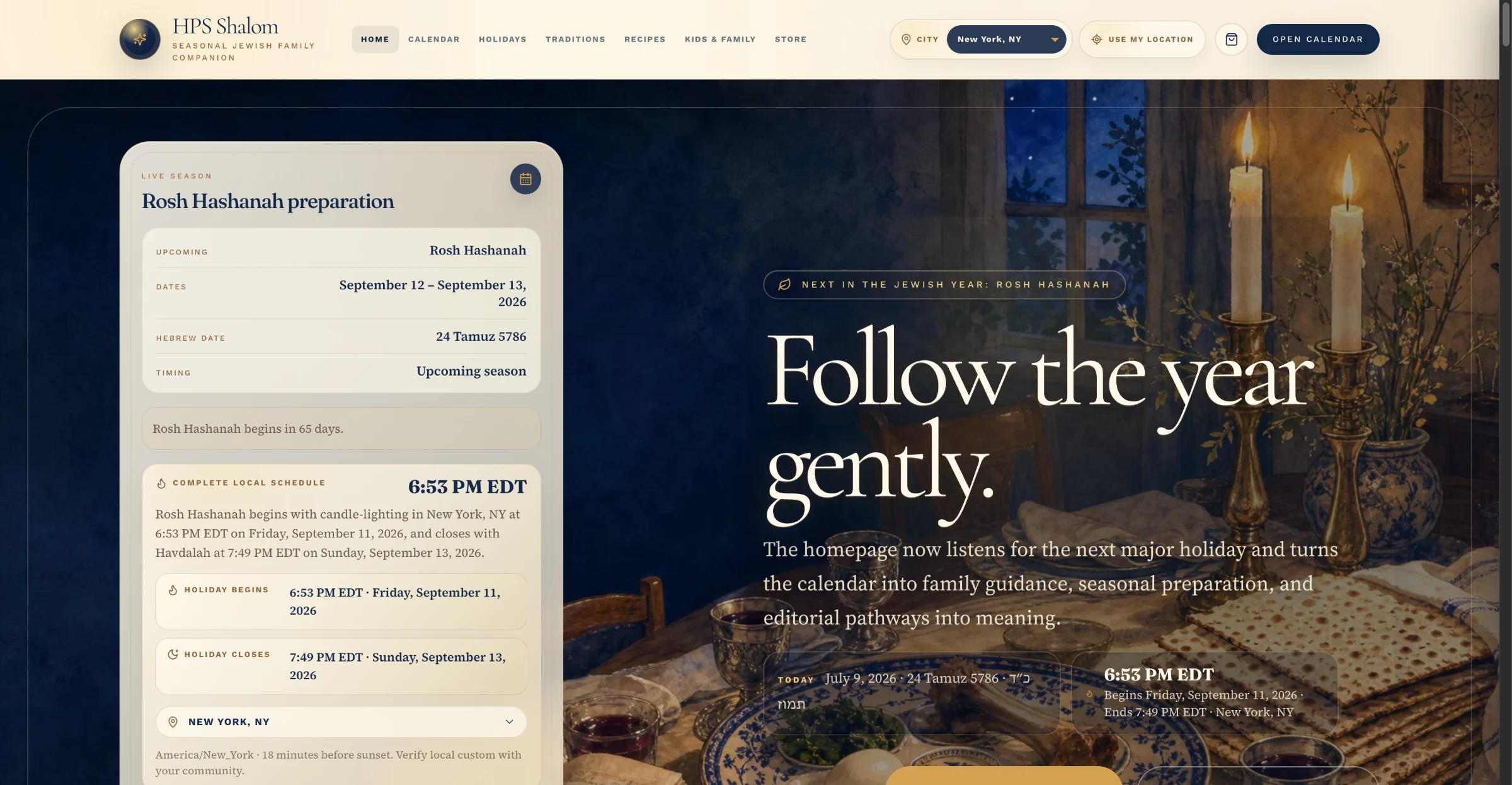
HPS Shalom

A living platform for Jewish life: holidays, traditions, recipes, and family learning in one connected experience.

Another 0→1 Happy Path Studios product built with AI-assisted development, this one an editorial, commerce, and subscription ecosystem rather than a physical/digital course platform.

  • 0→1 Product
  • AI-Assisted Development
  • Product Ecosystem